

Article · Sep 15, 2026
Every Website Image Needs a Job
Why local business websites should treat images as decision assets with purpose, placement, alt text, metadata, and reusable crops.
8 min read
Website images should do more than decorate a page. For local businesses, the right image can explain a service, show location context, support search understanding, and make reusable crops for social, local profiles, and cards.
In this article
- 01The pretty photo may be unemployed
- 02Purpose comes before placement
- 03Search needs context, not magic
- 04The library should match the journey
- 05Give every image a reason to stay
The pretty photo may be unemployed
A website image can look expensive and still have no job. It fills the hero. It softens the page. It gives the designer something to balance against the headline. Then the customer scrolls past it without learning where the business is, what the service looks like, what kind of product is being offered, or what decision comes next.
That is not a photography problem. It is a content strategy problem wearing a glossy coat. Local business websites cannot afford images that only decorate. A med spa, dental office, restaurant, showroom, property team, or professional service firm needs pictures that answer real questions.
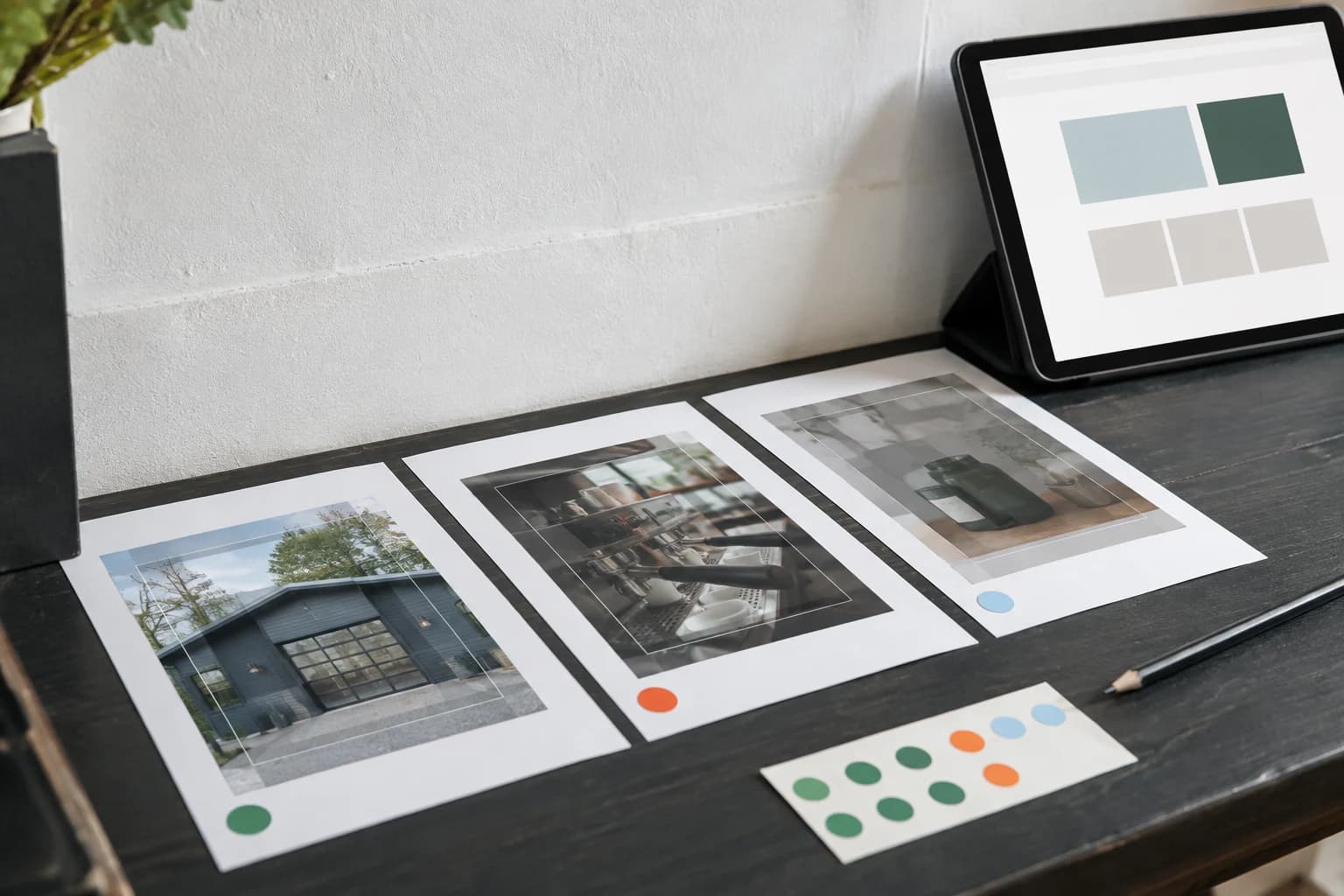
Purpose comes before placement
Before choosing an image, name the work it should do. Is it helping the visitor recognize the storefront? Explaining a service sequence? Showing scale, texture, packaging, staff process, local context, or the next action? A hero image and a thumbnail should not be chosen by mood alone.
This is especially important when every channel needs a crop. The same source image may become a website hero, a service-card thumbnail, an open graph preview, a Google Business Profile update, an Instagram slide, and a printed insert. If the image has no clear purpose, resizing it only spreads the vagueness further.
- Use orientation images to help people recognize place and arrival.
- Use process images to make invisible service work easier to understand.
- Use detail images for material, packaging, product, or proof cues.
- Use campaign images only when they connect to a specific offer or next step.
Search needs context, not magic
Google's own Search documentation keeps returning to a practical idea: systems understand pages through visible content, structured data, metadata, and surrounding context. Images are part of that structure. A strong photo with a vague filename, empty alt text, and no nearby explanation is asking the machine and the human to guess.
This does not mean stuffing alt text with keywords or turning every caption into an SEO paragraph. It means being accurate. Name what matters in the image. Place it near the section it supports. Use dimensions, Open Graph images, and structured data where the site already supports them. Make the image legible as part of the page, not as an orphaned decoration.

The library should match the journey
A local business image library does not need to be enormous. It needs to match the journey. For many businesses, that means arrival, environment, service process, product or deliverable detail, human-scale material, and proof of how the business works. These images should be named, cropped, and stored so the next campaign does not begin with a frantic search through a camera roll.
The best images often feel modest. A clear storefront approach. A service prep detail. A menu crop. A proposal document. A product label. A delivery handoff. Each one helps a customer understand a different part of the business.
Give every image a reason to stay
The practical audit is simple. Open a page and ask of every image: what question does this answer? If the answer is only "it looks nice," the image may still belong somewhere, but it has not earned a critical position.
A strong website image does not shout. It orients, explains, proves, or moves the customer forward. Once the image has a job, its crop, alt text, caption, file name, and social version become much easier to make. The photograph stops being decoration and starts acting like part of the business.
Frequently asked questions
What makes a website image useful?
A useful website image answers a customer question, supports the surrounding section, and has accurate alt text, file naming, dimensions, and reusable crops.
Do images matter for search and AI features?
Yes. Search systems use visible page content, structured data, metadata, and surrounding context to understand pages and their media. Images should be placed and described accurately.
What images should a local business website prepare first?
Start with arrival or location images, service or process images, product or material details, proof-oriented visuals, and crops for social previews and local profiles.
Need a sharper customer-facing system?
Improve consistency across the brand, website, and sales materials.
Visual Square helps NY/NJ businesses clean up the touchpoints customers actually see first, so the brand feels clearer, more credible, and easier to trust.
Talk through the refresh