
Article · Oct 8, 2026
The Profile Photo Chooses First
Google Business Profile photos should work like a customer path: exterior recognition, interior confidence, useful detail, and a next step.
7 min read
A local profile photo set is not a loose gallery. It should help customers recognize the business, understand the experience, and trust the next step before they reach the website.
In this article
- 01The first photo has already made a decision
- 02Recognition is not the same as beauty
- 03The profile needs an order, not a pile
- 04Updates should connect to the next action
The first photo has already made a decision
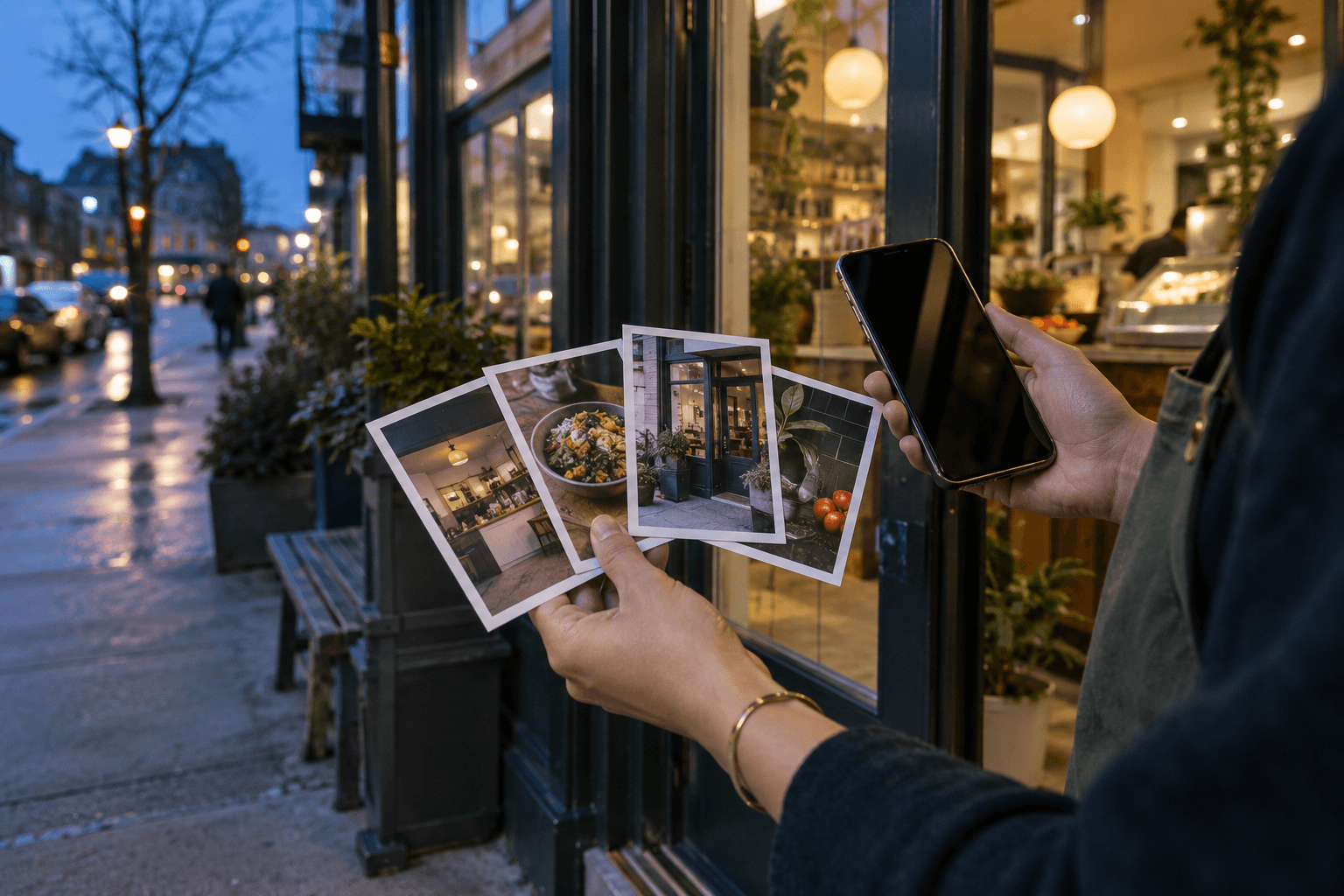
A customer can meet a business in a small square before they meet the business itself. The photo may be a storefront at dusk, a treatment room, a plate, a reception desk, a product shelf, or a crop that once looked handsome in a larger layout. In the profile, it becomes a tiny argument about what kind of place this is.
That argument is often accidental. The business uploads a few images, a customer adds another, an older shot stays in circulation, and the strongest first impression may be the one nobody chose on purpose. The profile begins to speak before the website has a chance to explain.
Recognition is not the same as beauty
Google's Business Profile guidance is plain about the baseline: photos should be focused, well lit, and representative of reality. That sounds modest until a business compares it with the usual gallery of cropped signs, empty corners, old event graphics, and over-filtered product shots.
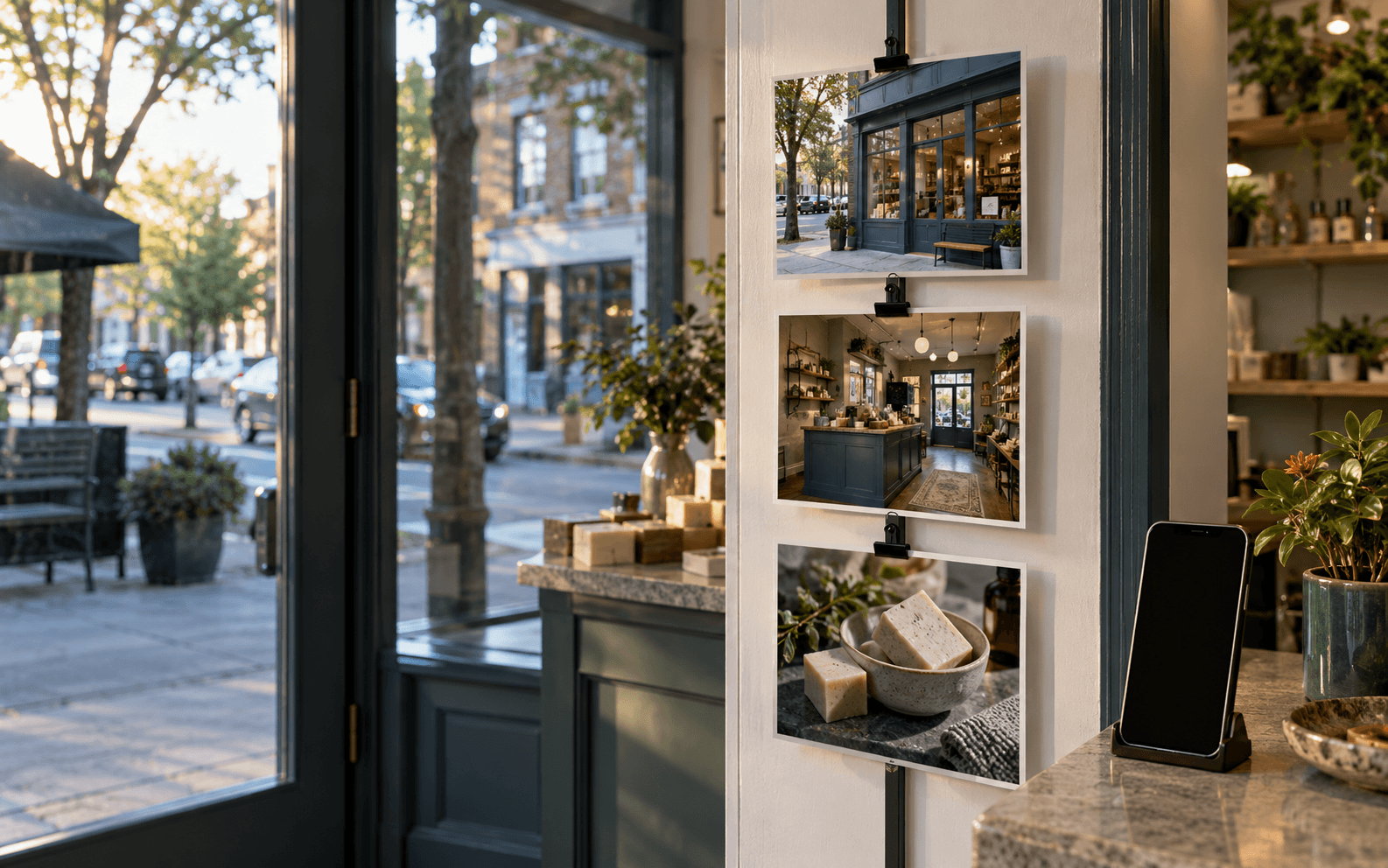
The first question is not which photo is prettiest. It is which photo helps the customer recognize the place, understand the business, and feel less uncertain about the visit, appointment, order, or call. For many local businesses, an honest exterior image does more work than a moodier interior detail. A customer looking for the door does not need cinematic mystery.
- Use exterior photos to make arrival easier, especially for street-level and appointment-based businesses.
- Use interior photos to show the emotional temperature of the experience, not every corner.
- Use product, service, or process details to clarify what customers can actually expect.
- Review customer-added images and old uploads so the profile does not drift away from the current brand.
The profile needs an order, not a pile
A profile gallery behaves like a short customer journey. Exterior recognition comes first. Interior context follows. Then come the practical details: what is sold, where the consultation happens, how pickup works, what kind of materials or service environment the customer can expect. The order may shift by industry, but the job does not.
This is where design practice enters a channel that often feels purely administrative. Cropping, brightness, color consistency, and subject choice are not cosmetic extras. They decide whether the customer can read the story at profile size.
Updates should connect to the next action
Business Profile posts and updates can carry photos, offers, events, and customer-facing information. They are useful when they make a timely change visible: seasonal hours, a new menu item, an event, a booking reminder, a service update. They become noise when each post looks like it came from a separate campaign folder.
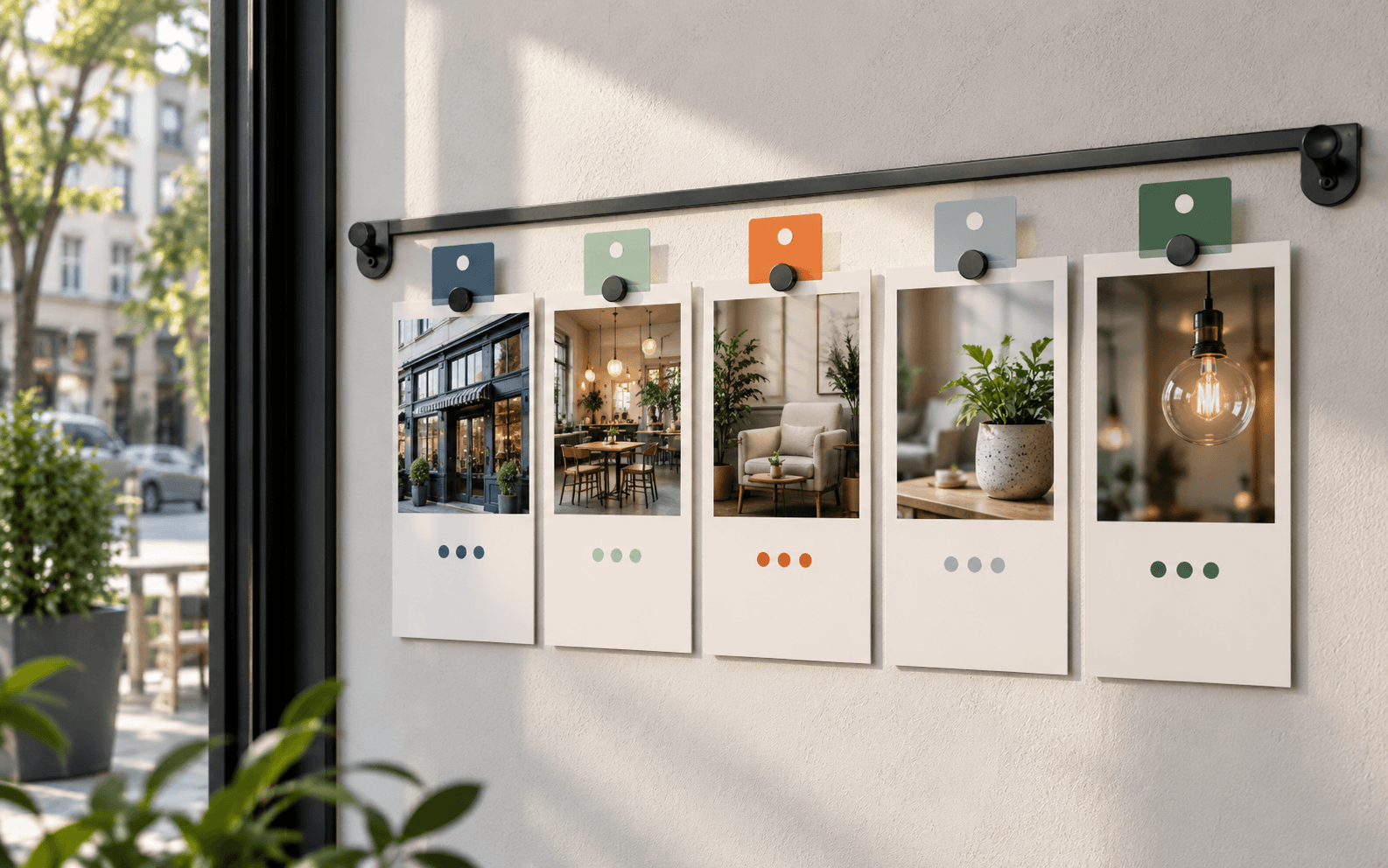
The practical move is to keep a small photo map. Which images help someone find us? Which help them understand the room? Which help them choose an offer? Which support a post without making a health, price, or availability claim the business cannot stand behind? A profile photo is small. Its consequences are not.
Frequently asked questions
What photos should a local business add to Google Business Profile?
Start with a clear exterior, interior context, product or service detail, and current atmosphere or staff images where appropriate. The set should represent the real business and help customers decide the next step.
Should Business Profile photos be heavily edited?
No. Google recommends focused, well-lit photos without significant alteration or excessive filters, so the image represents reality.
How often should profile photos be reviewed?
Review them whenever the storefront, service mix, menu, interior, staff presentation, or seasonal offer changes, and at least as part of a quarterly local marketing check.
Need a sharper customer-facing system?
Improve consistency across the brand, website, and sales materials.
Visual Square helps NY/NJ businesses clean up the touchpoints customers actually see first, so the brand feels clearer, more credible, and easier to trust.
Talk through the refresh