

Article · Nov 12, 2026
The Door Says Closed. The Map Says Open.
Holiday hours are a small campaign. The paper sign on the door is often the last place a schedule change appears and the last place a customer looks.
7 min read
A holiday schedule change reaches customers through a profile, a website, a phone line, and a door. A short rollout keeps one closed day from becoming a wasted trip.
In this article
- 01The sign is accurate and late
- 02A schedule change is a small campaign
- 03Publish the change in the order customers check
- 04Give the notice a prepared format
The sign is accurate and late
Every November, a familiar piece of paper goes up on café doors and shop windows. It is written quickly, taped slightly crooked, and usually correct: closed Thursday, back Friday, thank you. The trouble is not the sign. It is that the sign is often the last place the change appears, and a customer may first see it only after making the trip.
By then the decision has been made somewhere else. Someone checked a business profile on a phone, glanced at the hours on a website, or remembered a schedule from an email, and the information they found still described an ordinary week. The paper on the door was right. Everything that sent the customer to it was not.
A schedule change is a small campaign
Owners tend to file holiday hours under operations, next to staffing and deliveries. Customers experience them as communication. A changed day has an audience, a message, a deadline, and several channels that each need to give the same answer. That is the anatomy of a campaign, even when the whole message fits on one line.
The calendar makes the timing predictable. Thanksgiving falls on Thursday, November 26, 2026, and Christmas Day on Friday, December 25, so the next six weeks will ask many local businesses to say something unusual about time. Google’s Business Profile help pages describe special hours for holidays, special events, and other exceptions, and suggest confirming hours for official holidays even when they match regular hours. Confirming an unchanged day is a small act, but it tells a customer that someone checked.
Publish the change in the order customers check
The practical fix is unglamorous: one dated schedule sheet that lists each changed day, the actual hours, any cutoffs such as last orders or pickup windows, and the person responsible for publishing it. Every channel copies from that sheet rather than from memory, and the person updating the profile is not guessing what the door will say.
Then publish in the order a customer is likely to meet the information, not the order that feels natural behind the counter. The places people check before leaving come first; the door and the register come last, as confirmation rather than discovery. When the holiday is over, the same sheet reminds someone to restore the regular schedule, a step that is easy to forget once the rush has passed.
- Set special hours on the Business Profile for each changed date; Google’s help notes they cover up to six days in a row and only show when the profile is set to open with main hours.
- Update the hours on the website, and if the site uses LocalBusiness structured data, define the date range with validFrom and validThrough, as Google’s documentation describes for seasonal hours.
- Change the phone greeting, online ordering or booking settings, and any scheduled email or social posts that mention timing.
- Post the door and counter notice last, in the same wording, and put the date for restoring regular hours on the calendar.
Give the notice a prepared format
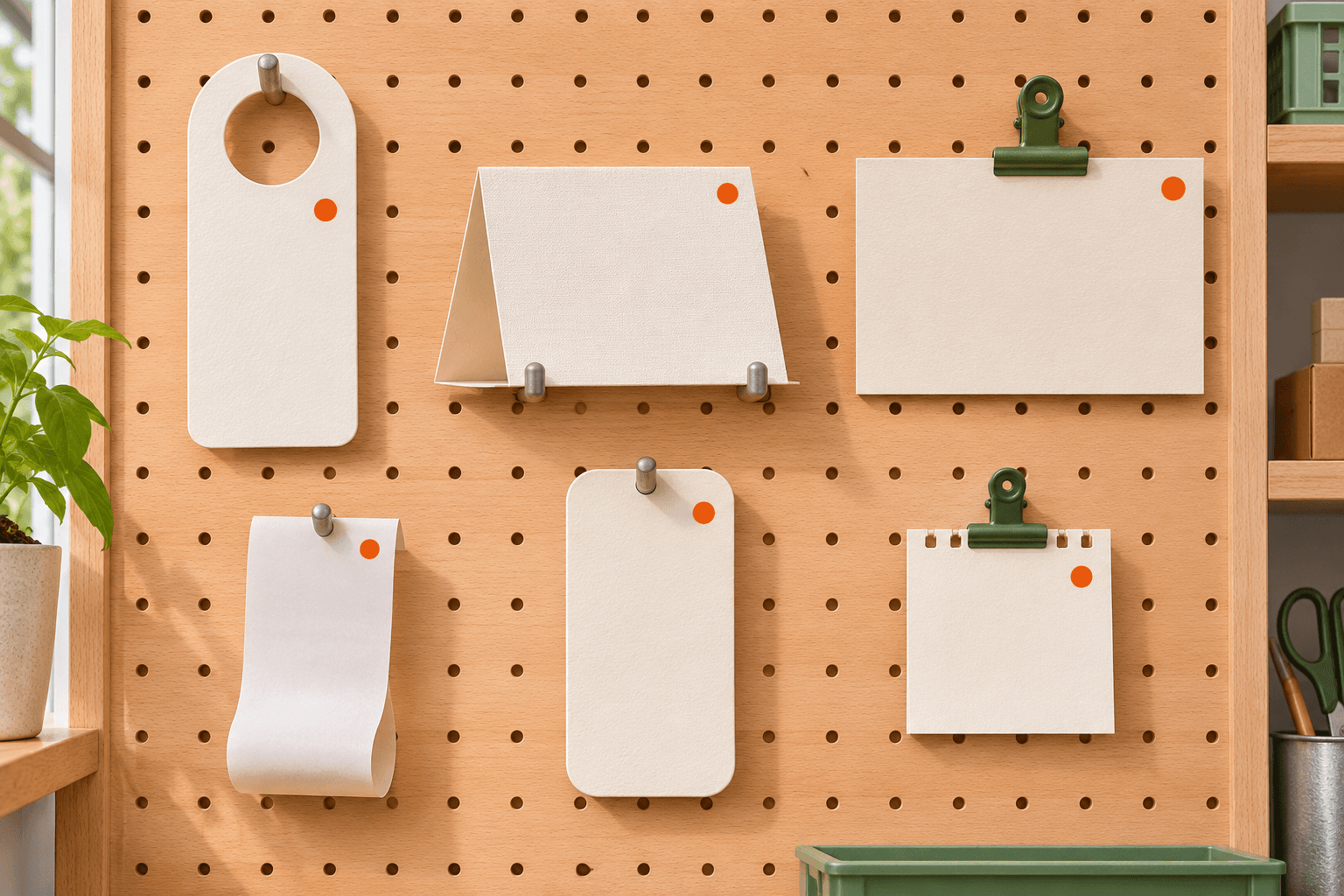
There is also a design question hiding in the paper sign. A business that has invested in its menu, packaging, and storefront often announces its most time-sensitive news in marker on printer paper. That is not a crime, and some customers find it charming. But a schedule notice is a message regulars genuinely need, and it deserves the same type, color, and plain hierarchy as everything else: the date first, the hours second, the return third.
A small template set—a door card, a social tile, and a website banner built from one layout—is modest production work, and Visual Square treats it as part of the brand system rather than an afterthought, because the season returns every year and the scramble does not need to. When the profile, the page, the phone, and the door agree, the paper sign goes back to its proper job. It stops being news and becomes a polite confirmation of something the customer already knew.
Frequently asked questions
When should a local business update its holiday hours?
As soon as the schedule is decided. Set dated changes in advance on the business profile, website, and ordering or booking tools where the platform allows it, post the door notice closer to the day, and schedule a reminder to restore regular hours afterward.
Should a business confirm holiday hours that are not changing?
Google’s Business Profile help suggests confirming hours for official holidays even when they match regular hours. It shows customers the information was checked rather than left to chance.
What should a holiday hours notice include?
The date, the hours or closure, any cutoffs such as last orders or pickup windows, and when regular hours resume. Use the same wording on the door, website, profile, and social posts.
Need a sharper customer-facing system?
Improve consistency across the brand, website, and sales materials.
Visual Square helps NY/NJ businesses clean up the touchpoints customers actually see first, so the brand feels clearer, more credible, and easier to trust.
Talk through the refresh