
Article · Jul 3, 2026
Conversion-Led Web Design for Local Service Businesses
How NY/NJ service businesses can design websites that guide customers from first impression to inquiry with clear structure, proof, content, and production-ready assets.
12 min read
A local business website should not only look polished. It should help the right customer understand the offer, trust the business, and take the next step without confusion.
In this article
- 01A beautiful website can still fail the business
- 02Start with the customer decision path
- 03Brand identity should make the offer easier to understand
- 04AI-search-ready content is conversion content
- 05Proof should be designed, not buried
- 06Print and marketing assets should support the same path
- 07Production-ready planning makes the site easier to maintain
- 08A practical audit before redesigning
A beautiful website can still fail the business
Many local business websites look clean at first glance but do not help customers make a decision. The homepage may have a nice image, a short tagline, and a contact button, yet still leave visitors unsure about services, pricing expectations, process, location, or whether the business is the right fit.
Conversion-led web design does not mean making every page loud or aggressive. It means designing the website around the decisions a real customer has to make before calling, booking, visiting, or requesting a quote.
Start with the customer decision path
A NY/NJ customer comparing local service businesses usually wants a few things quickly: what you do, who you serve, where you work, what the process looks like, what makes you credible, and what happens after they contact you. If those answers are scattered, the site creates hesitation.
The decision path should shape the page structure. A service page might begin with a direct promise, then explain the service, show proof, answer common questions, present process steps, and end with a practical next action. The design should make that path easy to scan.
- Clarify the service before adding decorative sections.
- Place proof near the points where customers hesitate.
- Use FAQs to answer buying, booking, and timeline questions.
- Make the next step specific: call, book, request, visit, or send details.
Brand identity should make the offer easier to understand
Brand identity is not separate from conversion. Color, typography, photography, spacing, and tone all influence whether the business feels premium, accessible, fast, careful, technical, warm, or local. Those signals should match the service being sold.
A professional service firm may need structured proof and clear document-style layouts. A med spa may need calming imagery and confidence-building service explanations. A restaurant or cafe may need menu clarity, ordering cues, and product photography that connects to packaging and social content.
AI-search-ready content is conversion content
Generative search has made vague pages weaker. Pages that clearly explain services, areas served, process, outcomes, and frequently asked questions are easier for both people and AI systems to understand. That makes GEO a practical extension of good conversion design.
This does not require keyword stuffing. It requires useful structure: headings that answer real questions, summaries that make the offer clear, local context where it helps, and FAQ sections that reduce uncertainty. The same structure that helps AI search often helps customers decide faster.
Proof should be designed, not buried
Reviews, portfolio examples, before-and-after notes, credentials, press mentions, process photos, and production standards are all proof. But proof only helps if it appears where the customer needs reassurance.
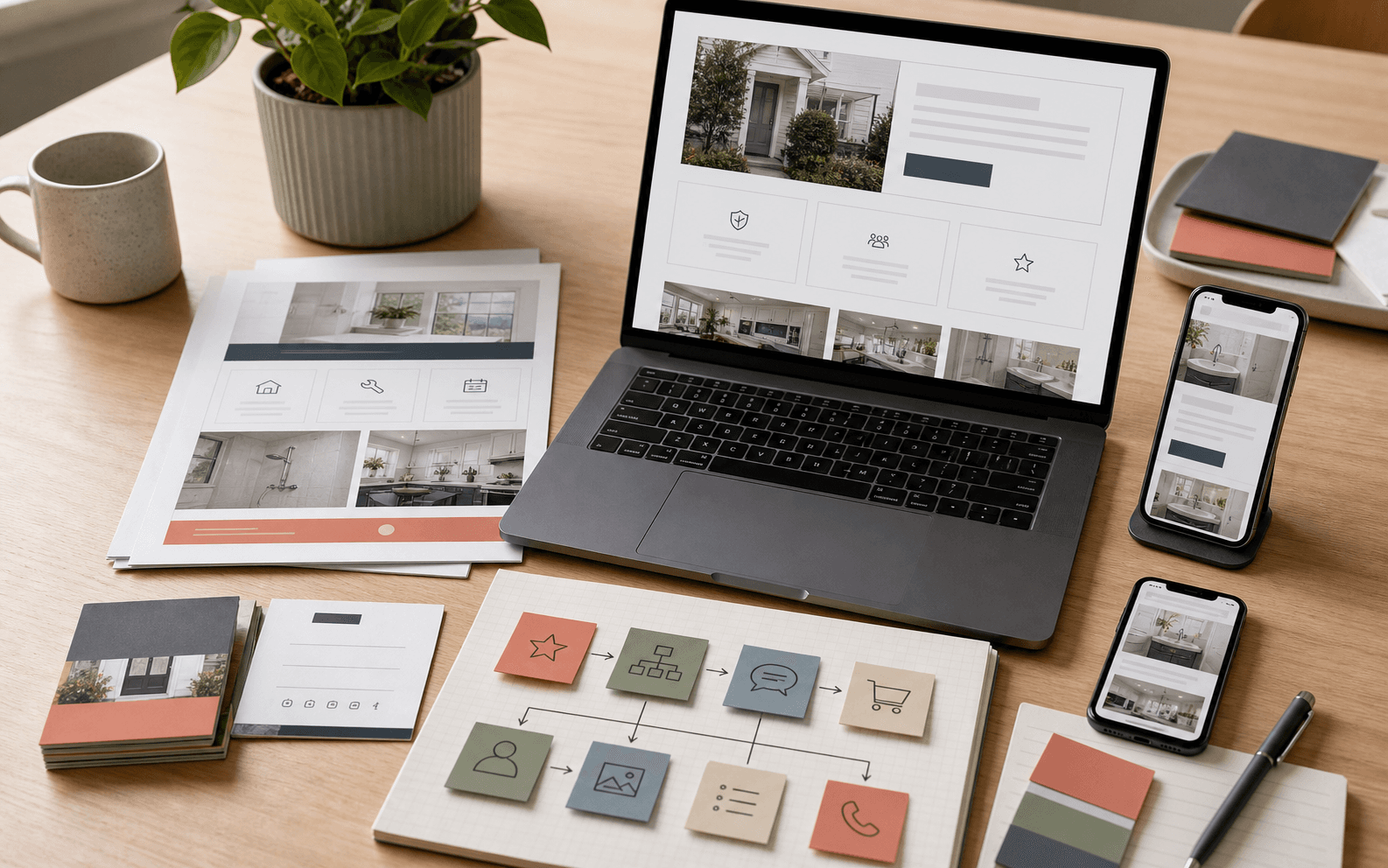
A conversion-led layout places proof near service explanations, pricing context, appointment steps, quote forms, and calls to action. It also translates proof into other assets: one-page PDFs, proposal covers, brochures, social carousels, Google profile images, and sales materials.
Print and marketing assets should support the same path
Local customers often move between digital and physical touchpoints. They may scan a printed card, receive a service PDF, pick up a menu, save a brochure, or see a social post before returning to the website. If those assets feel unrelated, trust leaks out of the journey.
The website should become the source system for other materials. Service descriptions, proof points, photography, FAQ answers, and calls to action can be adapted into print collateral, packaging inserts, email graphics, and social campaigns. That keeps the message consistent without starting over for every channel.
Production-ready planning makes the site easier to maintain
A website is not finished when the first version launches. Services change, offers rotate, locations expand, photos improve, and campaigns need new landing pages. If the design system and file structure are organized, those updates are manageable.
For a launch or refresh, prepare reusable page sections, image crops, social cover exports, print-ready companion files, and a clear naming system. The goal is not only a better launch day. It is a website and asset system that can keep supporting the business after launch.
A practical audit before redesigning
Before starting a full redesign, audit the pages that affect inquiries most: homepage, service pages, contact page, booking page, key industry page, and any campaign landing page. For each page, ask whether a first-time customer can understand the offer, trust the business, and know the next step within a few minutes.
Then improve the highest-friction areas first. Often the best first move is not a total rebuild. It is a clearer service page, stronger proof placement, better profile and website images, sharper calls to action, and a small set of production-ready assets that make the brand feel consistent everywhere.
Frequently asked questions
What is conversion-led web design?
It is website design organized around the customer decisions that lead to an inquiry, booking, visit, quote request, or purchase, rather than design that only focuses on visual polish.
Does conversion-led design mean aggressive sales pages?
No. For local businesses, it usually means clearer service explanations, better proof placement, easier scanning, useful FAQs, and specific next steps.
How does AI search readiness connect to conversion?
Clear page structure, service details, local context, summaries, and FAQs help AI systems understand the business and help human customers decide with less confusion.
What assets should be prepared with a website refresh?
Prepare website image crops, social covers, Google profile visuals, print-ready PDFs, source files, and campaign templates so the refreshed brand can operate across channels.
Need a sharper customer-facing system?
Improve consistency across the brand, website, and sales materials.
Visual Square helps NY/NJ businesses clean up the touchpoints customers actually see first, so the brand feels clearer, more credible, and easier to trust.
Talk through the refresh