

Article · Oct 13, 2026
Brand Files Need a Spine
A brand system becomes more useful when the files, folders, proofs, exports, and vendor handoff rules are organized for real production.
7 min read
The brand does not live only in the presentation. It survives in the folder a vendor opens, the export a staff member grabs, and the proof that leaves the studio.
In this article
- 01The brand leaves the meeting in a folder
- 02A file system is a brand decision
- 03Production rules should be close to the proof
- 04The spine keeps the brand editable
The brand leaves the meeting in a folder
The presentation may end with a clean slide and a confident direction. Then the brand enters a less glamorous life. Someone needs the logo for a sign vendor. Someone else grabs a social crop. A printer asks for a different file. A staff member finds an old export named final-final and uses it because it was the only one that looked available.
This is not a small administrative problem. It is where many brand systems lose their shape. A beautiful identity that cannot be found, exported, named, or handed off correctly becomes a rumor about what the brand was supposed to be.
A file system is a brand decision
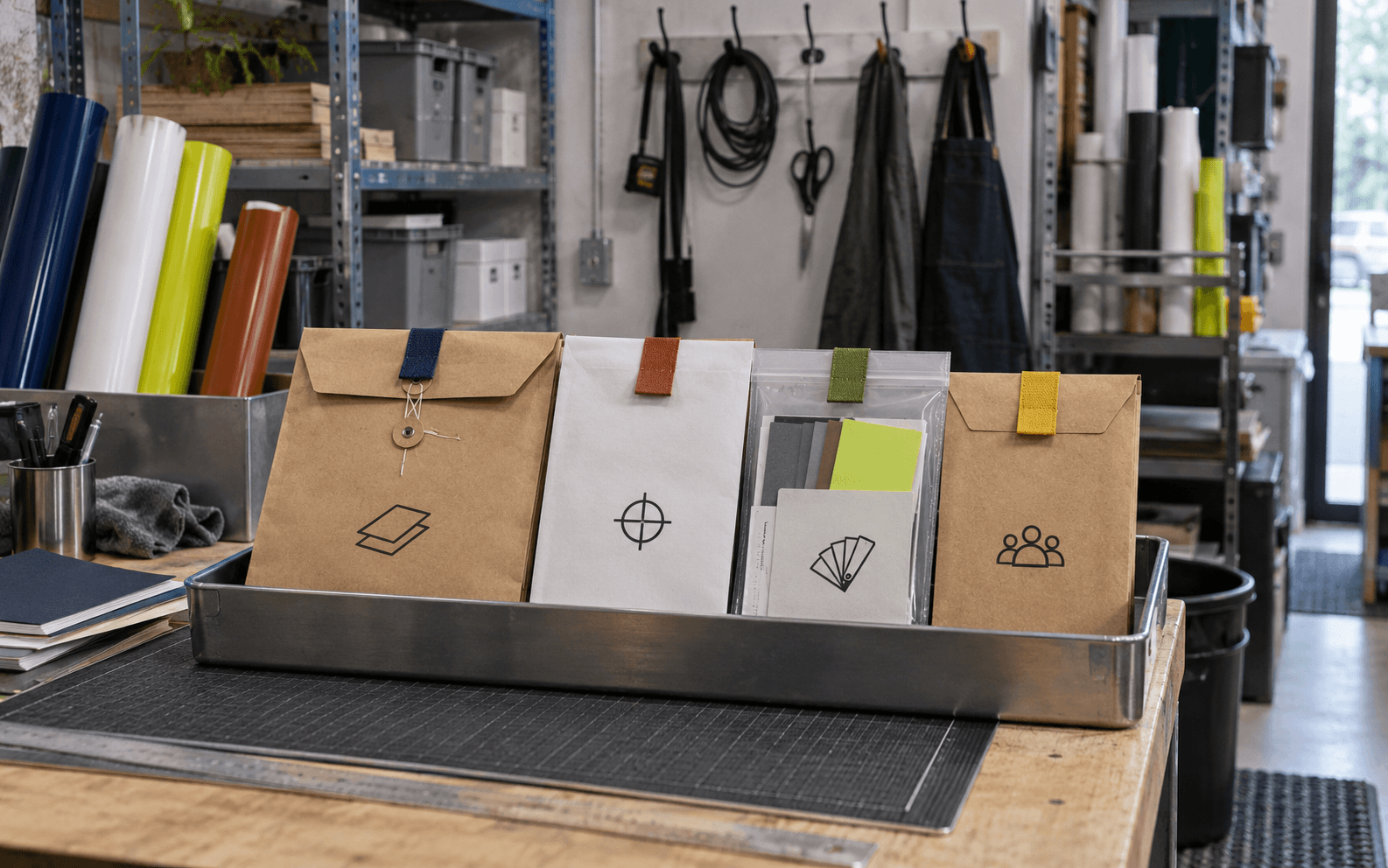
A usable brand folder tells people what to trust. It separates source files from exports, print from web, logo marks from lockups, current assets from archive, and vendor instructions from internal notes. It does not rely on one person remembering which folder matters.
This matters especially for local businesses that move between signs, menus, packaging, proposals, social posts, website updates, and event materials. The brand may touch five vendors and three staff members before the customer sees the result. The file spine keeps those hands from bending the system out of shape.
- Keep original source files separate from everyday exports.
- Name print, web, social, signage, and vendor assets by use, not by designer memory.
- Archive old versions where they are visible enough to find but not easy to mistake for current files.
- Include simple usage rules near the assets people actually open.
Production rules should be close to the proof
Brand guidelines often live too far away from the moment of use. The PDF explains the color system while the printer is asking for a file. The typography page looks excellent while a staff member is making a one-off flyer. The voice principles are thoughtful while a post is being rushed out before lunch.
A better system brings the rules closer to production. The sign folder contains sign specs. The print folder contains paper and finish notes. The social folder contains crop rules. The web folder contains image sizes and alt-text reminders. The point is not to make the system bigger. It is to make the right choice easier than the wrong one.

The spine keeps the brand editable
A brand should be stable, but it should not be frozen. Seasonal campaigns, new services, menu changes, event materials, hiring posts, and local updates all need room. Without a spine, every update becomes a small reinvention. With one, the business can move quickly without making every piece feel improvised.
The practical audit is humble. Open the folder as if you were a new vendor on a deadline. Can you find the current logo, the right export, the print proof, the color information, the social crop, the web image, and the person to ask? If the answer is yes, the brand has a backbone beyond the logo.
Frequently asked questions
What should a brand handoff folder include?
Include current logo files, source files, web exports, print-ready files, color and type rules, social crops, signage or packaging notes, vendor instructions, and an archive of old versions.
Why is file organization part of brand strategy?
Because staff and vendors often apply the brand after approval. Clear file structure helps them use the right assets consistently across web, print, signage, packaging, and campaigns.
How can a small business prevent brand drift?
Keep current assets easy to find, archive old versions, write simple usage rules, and organize exports by real use cases such as print, web, social, signage, and vendor handoff.
Need a sharper customer-facing system?
Improve consistency across the brand, website, and sales materials.
Visual Square helps NY/NJ businesses clean up the touchpoints customers actually see first, so the brand feels clearer, more credible, and easier to trust.
Talk through the refresh